How to Run the DB24.Api Service as a Different Account
💡 Recommendation
We highly recommend running the DB24.Api Windows service as a domain account for improved control and security.
⚠️ Important
These settings must be reapplied after each run of the DB24 installer wizard, as the installer will reset the configuration.
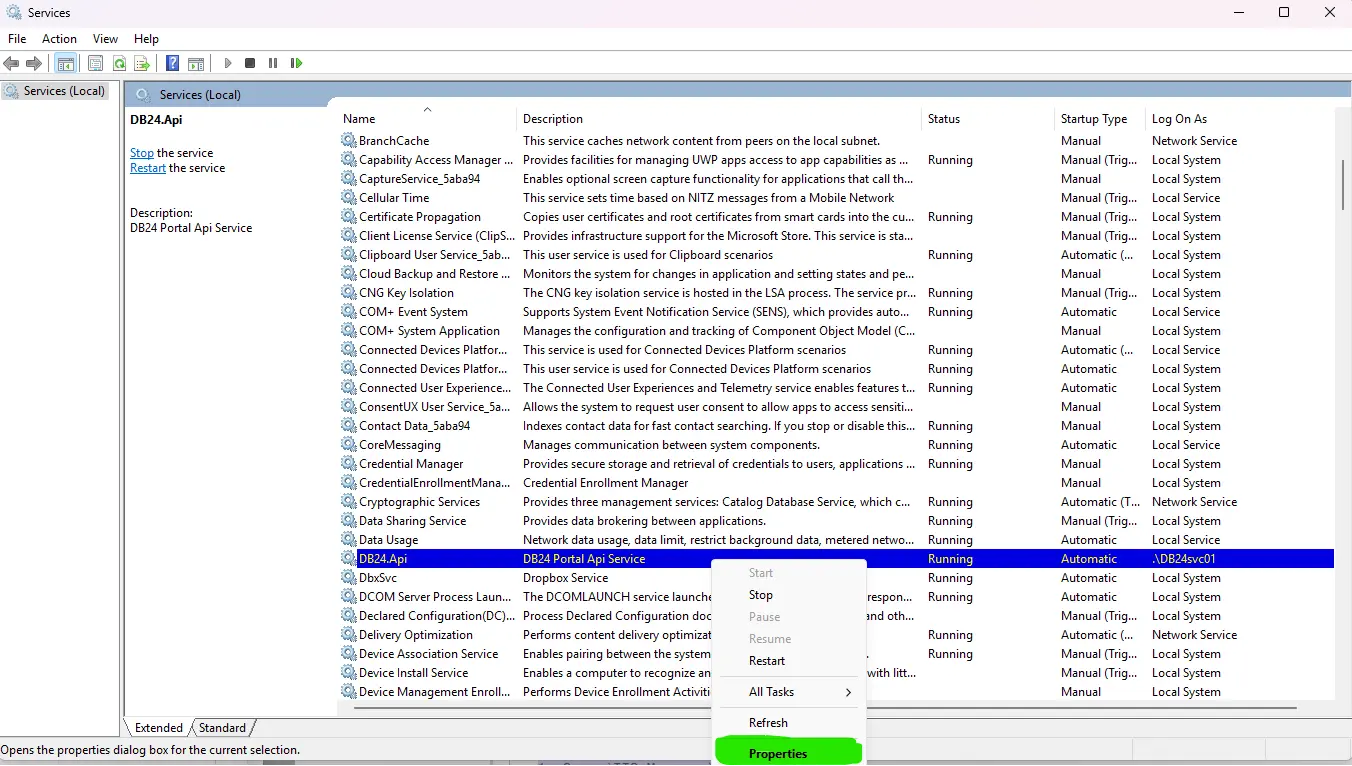
Step 1: Locate the DB24.Api Windows Service
- Open the Windows Services console:
- Press Win + R
- Type
services.msc - Press Enter
- Locate DB24.Api in the list of services.
- Right-click the service and select Properties.