
When backups fail during a ransomware attack
Attackers go for the backups before the data. What fails, why a green job is not a usable copy, and three questions to answer before it happens.
Key takeaways
- Attackers look for the backups before they encrypt anything. Both the UK NCSC and the US CISA say the same thing: backups reachable from the network are part of the target, not the safety net.
- A backup fails in three quiet ways: the job ran but a database was not in it, the files were reachable and got deleted or encrypted, or the copy existed but was too old or unusable.
- The honest answers live in SQL Server's own tables, msdb.dbo.backupset and sys.databases, not in the colour of the job.
- Three questions, answered this week, tell you where you stand: did every database get a backup last night, can an attacker on the server reach the copies, and how long would a restore take.
Most organisations that have been through a ransomware attack did have backups. The question afterwards is rarely "did we back up". It is "why did the backups not help". This article walks through what actually happens to backups during an attack, why they fail more quietly than most teams expect, and what you can check before it matters.
What happens to backups during a ransomware attack?
A ransomware attack is not one event. It is a sequence, and the encryption at the end is the part the attacker wants you to see last.
First comes access: a phished login, an exposed remote desktop, an unpatched service. Then comes time inside the network, often days or weeks, used to find what matters. During that time the attacker is looking for two things: the data that will hurt most when it is gone, and the copies that would let you get it back without paying.
Backups are therefore handled first. The UK National Cyber Security Centre puts it plainly: attackers now routinely seek out and destroy backups before deploying ransomware, which is why it recommends copies that are offline or otherwise out of reach of a compromised network. CISA's #StopRansomware Guide gives the same advice in its first recommendations: keep offline, encrypted backups of critical data, and test them regularly. ENISA's threat landscape for 2025 again places ransomware among the main threats facing organisations in the EU.
For a SQL Server estate the sequence looks like this. The attacker finds the backup share, usually because the SQL Server service account can write to it. Backup files are deleted or encrypted. Shadow copies on the servers are removed. Only then does the encryption of the live databases start. When the team opens the backup folder the next morning, it is empty, or full of files with a new extension.
Why do backups fail without anyone noticing?
The attack is the dramatic part. The quiet failures happened long before, and they are the reason the attack hurt.
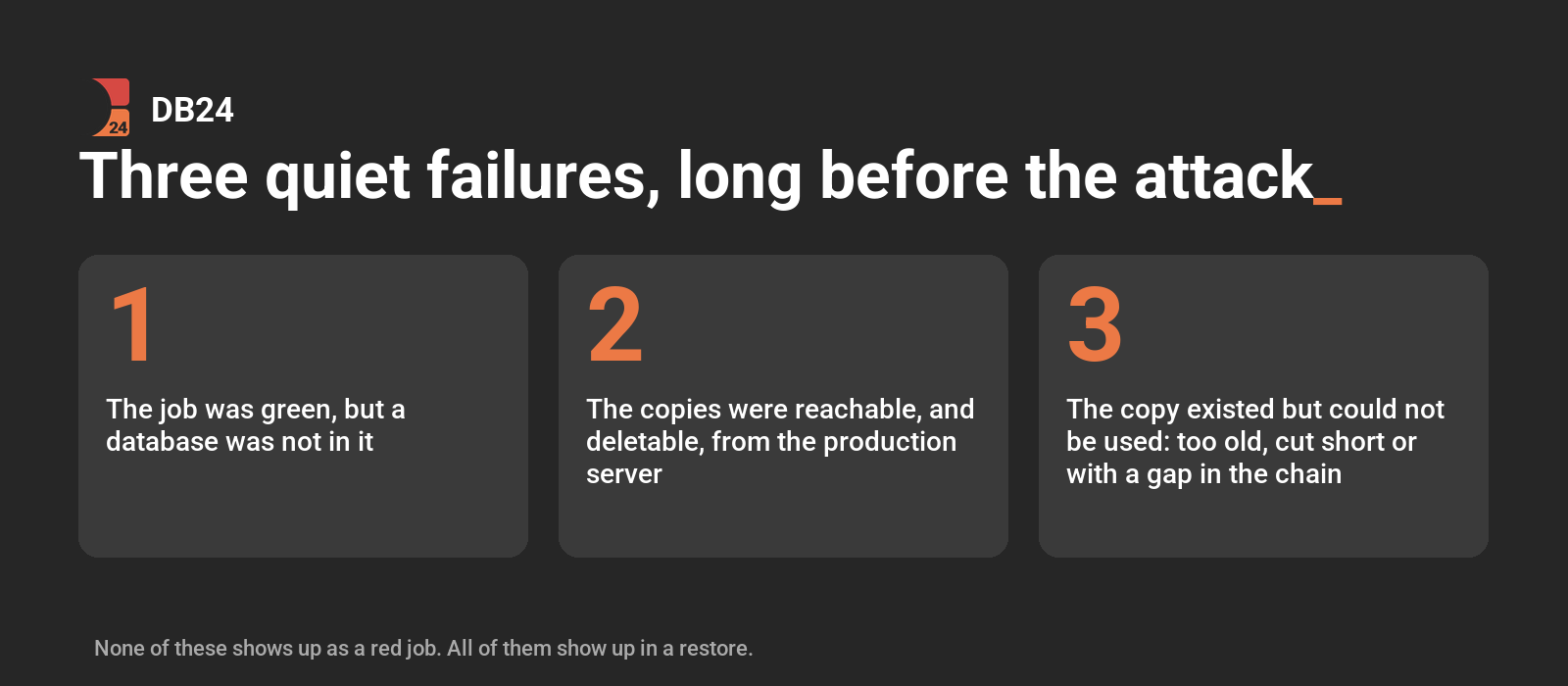
The job was green, but a database was missing. A backup job in SQL Server Agent reports on the job, not on the databases. A database created after the job was written, a database that someone set to simple recovery, or a database that failed inside a loop that continued, can all be missing from last night's set while the job history says "succeeded". The table that knows is msdb.dbo.backupset: one row per backup actually taken, with database name, type and finish time.
The copies were reachable. If the backup share is writable from the SQL Server host with the same credentials the service uses every night, it is writable for anyone who takes over that host. A copy you can delete from the production server is not a separate copy. This is the gap NCSC and CISA are pointing at.
The copy existed but could not be used. A full backup from last month, with no usable log chain since, is a month of lost work. A file that was cut short by a full disk, or written to a share that was mid-way through a storage problem, may look fine in a file listing. Microsoft's backup overview describes how full, differential and log backups fit together; a chain with a gap in it restores to the gap, not to last night.
None of these show up as a red job. All of them show up in a restore.
What can you check this week?
You do not need new tools to answer the three questions that matter. You need to ask them against the right source.
-
Did every database get a backup last night? Compare the list in sys.databases with last night's rows in msdb.dbo.backupset. Any database without a row is unprotected, whatever the job says. Do this on every instance, including the ones that arrived with a business system and never got a proper job.
-
Can an attacker on the server reach the copies? Follow the backup path from the instance. If the account that writes the backup can also delete it, and the share is on the same network with no second copy elsewhere, the answer is yes. The fix is a copy the production host cannot touch: a different credential, a different location, and ideally a copy that cannot be changed once written.
-
How long would a restore take? Full, differential and every log since, copied to a server and replayed. Only a real restore gives a number. Write it down next to the time the business says it can accept, and decide what to do about the difference. When did you last restore a backup and check that the data was usable, not only that the job was green?
Two of these you can check every morning. The third you have to practise.
How DB24 approaches it
DB24 does not replace your backup solution, and it does not perform full restores for you. What it does is make the first two questions visible every day, on every instance, without anyone having to write the query. DB24's backup management shows backup status per database across the estate and alerts when a backup has failed, has fallen behind the expected schedule, deviates in size from what is normal for that database, or is flagged as damaged. That is the difference between a job that is green and a copy that exists.
Where DB24 takes the backups itself, it also checks each file straight after it is written: it runs SQL Server's own RESTORE VERIFYONLY against the backup to confirm that the file is complete and consistent, and flags the backup as damaged if the check fails. No data is restored in that check, so it costs nothing in disk or downtime, and it catches the third quiet failure above, the copy that exists but cannot be used, on the same night it happens. The full restore, timed against what the business can accept, stays yours to practise, and the report gives you the list of what to practise on.
If you want to see what that looks like for your own instances, contact us.